CSE 310
| Offered in: | Fall, Spring, and Summer |
| Credits: | 3 |
| Prerequisites: | CSE 205 , MAT 243 |
Data Structures and Algorithms
Section titled “Data Structures and Algorithms”Course Description: This course covers advanced data structures and algorithms, including stacks, queues, trees (BST, B+), and graphs. Searching for graphs, hashing, and sorting.
Course Objectives:
- Define data structures (types) such as heaps, balanced trees, hash tables.
- Explain how to use a specific data structure in modeling a given problem (e.g. I can explain how to model a dictionary using balanced trees).
- Identify, construct and clearly define a data structure that is useful for modeling a given problem.
- State some fundamental algorithms such as merge sort, topological sort, Prim’s and Kruskal’s algorithm, and algorithmic techniques such as dynamic programming and greedy algorithms.
- Use a specific algorithmic technique in solving a given problem (e.g. I can write a dynamic program that solves a shortest-path problem).
- design an algorithm to solve a given problem
- Define the notions of worst-case/best-case/average-case running times of algorithms.
- Analyze and compare different asymptotic running times of algorithms.
- Analyze a given algorithm and determine its asymptotic running time.
- Combine fundamental data structures and algorithmic techniques in building a complete algorithmic solution to a given problem.
- Create several algorithmic solutions to a given problem and choose the best one among them according to given requirements on time and space complexity
Useful Tools
Section titled “Useful Tools”These are some of the tools that are useful for this course (contributions welcome!)
- ASU Linux Environment - Free CLI access to computers with Linux environment to compile and run code.
- Heap Visualization
- DSA Visualization
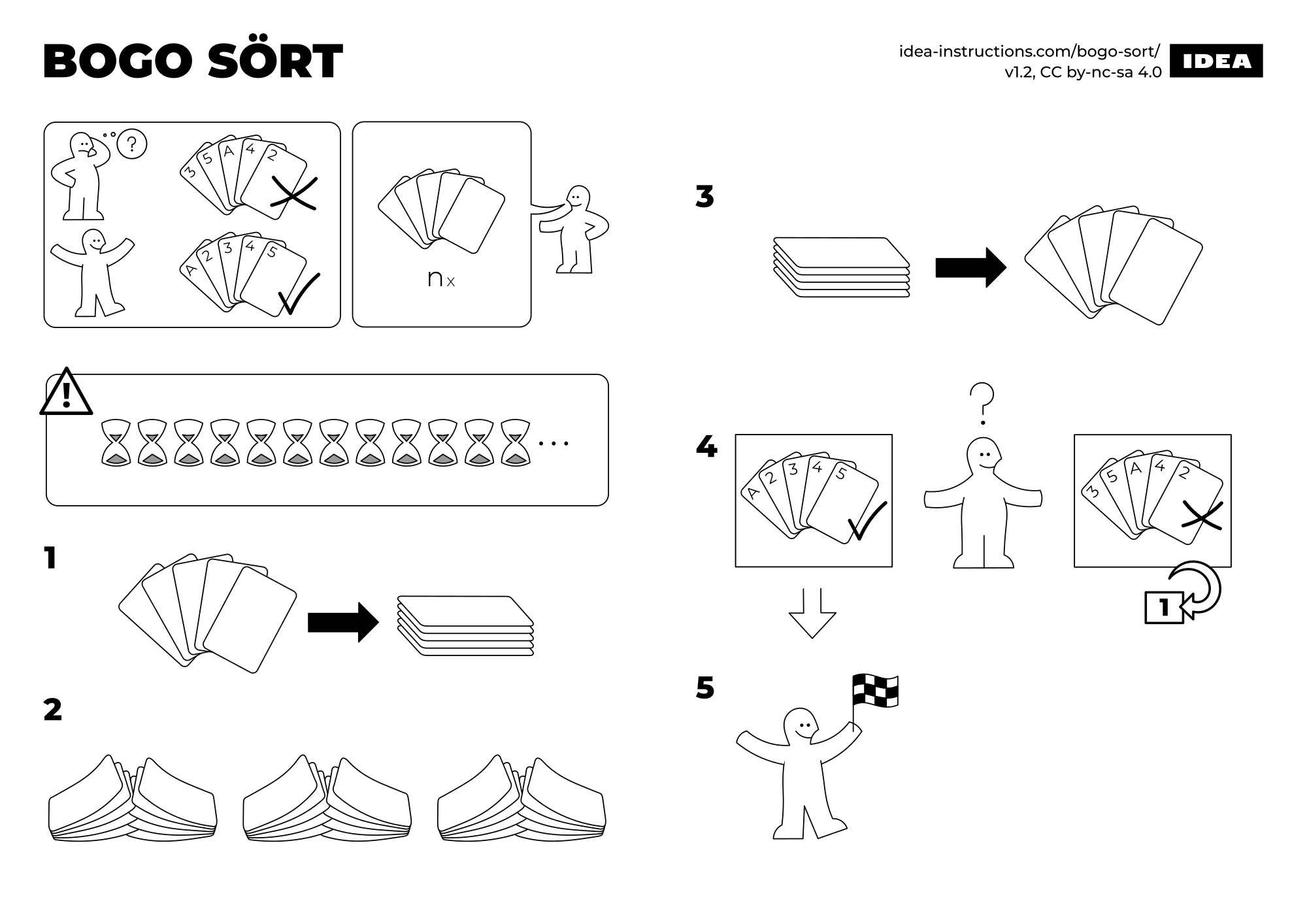
- IKEA manuals for different algorithms - a fun way of getting more intuition for common algos, all without words. here’s BOGO SÖRT for example (check out KVICK SÖRT and MERGE SÖRT too!:
Student Reviews
Section titled “Student Reviews”- Review 1: “TODO”
Fill out this form to add your review!